



Understanding Your Target Audience
This might sound basic, but I'm regularly surprised by how many websites seem designed for the business owner rather than their customers. When building The Toy Box, I spent time talking to parents about how they actually shop for toys online. Busy moms browsing on phones during lunch breaks have different needs than grandparents researching gifts on desktop computers.
For each client, I try to get specific about who we're designing for. A dental practice targeting busy professionals needs a different approach than an adventure tourism company targeting overseas visitors. The key is understanding not just who your customers are, but how they prefer to consume information and make decisions.
Once you know your audience, every design choice becomes clearer – from the tone of your content to how you structure your navigation.
Colors and Typography: Making Smart Choices
Color and font choices affect how professional and trustworthy your business appears online. I've seen small changes – like switching a call-to-action button from blue to orange – improve click-through rates noticeably. While results vary, the principle holds: these details matter more than most people think.
Blue suggests trust and stability, green implies growth and health, red creates urgency. Your typography should be easy to read and reflect your brand personality. A law firm wants something traditional and trustworthy; a creative agency can be more experimental.
My practical advice: stick to two fonts maximum, ensure good contrast between text and background, and always test on mobile devices. What looks great on your desktop might be hard to read on a phone.
Mobile-First Design: Where Your Customers Are
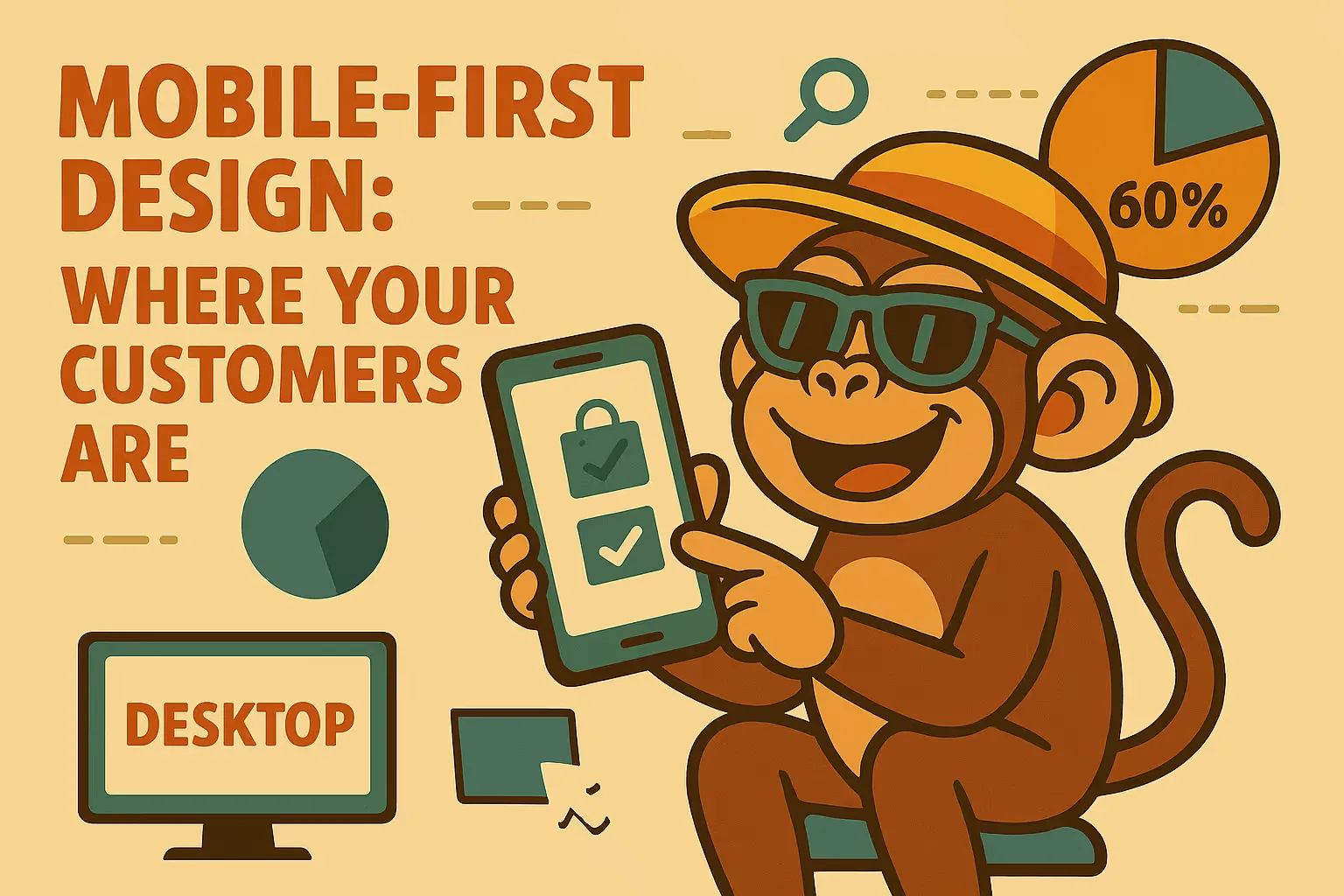
Over 60% of web traffic now comes from mobile devices, and for some businesses it's much higher. At The Toy Box, we found mobile users converted well once we optimized their experience – parents often shop for toys on their phones during breaks or after putting kids to bed.
Google also uses mobile-first indexing, meaning they primarily look at your mobile site when determining search rankings. A mobile-friendly site isn't just about user experience – it affects your visibility too.
I always design for mobile first, then adapt for desktop. This forces you to prioritize the most important elements and creates a cleaner, more focused experience overall.
Navigation: Keep It Simple and Clear
I've watched potential customers leave websites because they couldn't find what they needed. Clear navigation can significantly improve how visitors interact with your site. Keep your main navigation to 5-7 items maximum and use labels your customers would actually understand.
"Solutions" might sound professional, but "Services" tells people exactly what they'll find. Always make your contact information easy to locate – I put phone numbers and contact links in the header of every site I build.
One useful exercise: watch someone unfamiliar with your business try to find specific information on your site. You'll quickly spot navigation issues you hadn't noticed.
Page Speed: The Invisible Factor
Site speed affects both user experience and search rankings. Research consistently shows that slower sites have higher bounce rates, and I've seen this with my own projects. When I optimized The Toy Box for faster loading, we noticed improved engagement metrics.
The biggest speed killers are usually large, uncompressed images. Use tools to optimize photos before uploading, choose reliable hosting, and minimize unnecessary plugins or widgets. Test your site speed regularly with Google PageSpeed Insights – scores below 70 suggest room for improvement.
Calls to Action: Guiding Next Steps
Every page should have a clear purpose and make it obvious what visitors should do next. Whether that's calling for a quote, downloading a guide, or making a purchase, don't leave people guessing.
I use contrasting colors for CTA buttons and place them strategically throughout sites. For The Toy Box, we added "Add to Cart" buttons in multiple locations and saw immediate improvements. For service businesses, "Get a Free Quote" or "Book a Consultation" work well – something specific and low-risk.
Test different wording and placement. Small changes can have meaningful impacts on your results.

Professional Photography: Worth the Investment
Quality photos make a real difference in how professional your business appears online. This applies whether you're selling products, services, or just trying to build credibility. Professional headshots, well-lit product photos, and quality business imagery all contribute to a stronger first impression.
I always make sure my clients budget for professional photography when building their websites. If budget is tight, at least ensure your images are high-resolution, well-lit, and relevant to your business. Avoid generic stock photos that make your site look templated.
SEO: Building Visibility from the Start
Search engine optimization works best when built into a website from the beginning rather than added later. Start with understanding what your customers actually search for, then create content that addresses those queries naturally.
Technical factors matter too: fast loading speeds, mobile responsiveness, clean URLs, and proper heading structure all contribute to better search rankings. When we rebuilt The Toy Box with SEO best practices in mind, organic traffic improved steadily over time.
Focus on creating genuinely useful content that answers your customers' questions. Search engines reward websites that provide value, not ones trying to game the system.
Putting It All Together: Your Action Plan
Success comes from getting the fundamentals right, not from complicated features or flashy designs. Focus on these core elements:
- Design for your customers , not yourself
- Keep navigation simple and intuitive
- Optimize for mobile – that's where most people are browsing
- Make it fast – speed affects everything
- Use quality images – they're worth the investment
- Include clear calls to action throughout your site
- Build in SEO from the start
- Test and refine based on actual user behavior
Your website is a business tool, and every element should serve a purpose. While a great website alone won't guarantee business success, it can certainly make it easier for customers to find you, understand what you offer, and take action.
Focus on what actually works, measure your results, and continuously improve based on real data rather than assumptions. When done well, your website becomes a valuable asset that works consistently to support your business goals.
Andrew Nalder has been helping New Zealand businesses grow online for over 20 years. He's the founder of What the Heck web design and previously built Dpod from a small print shop into a successful marketing communications company with over 50 staff and a turnover of 11 million per year.